Building a Free Photoshop Alternative, Part 3: Wiring Levels and Histograms into the Code
Levels needed more than a black-point, white-point and gamma formula. We used GIMP’s documentation to check behavior, then wrote and connected the calculation, handles and histogram with AI. Three files in Photoshot’s GitHub repository show how those parts fit together.
Sources checked · Revised October 16, 2026
Read the article ↓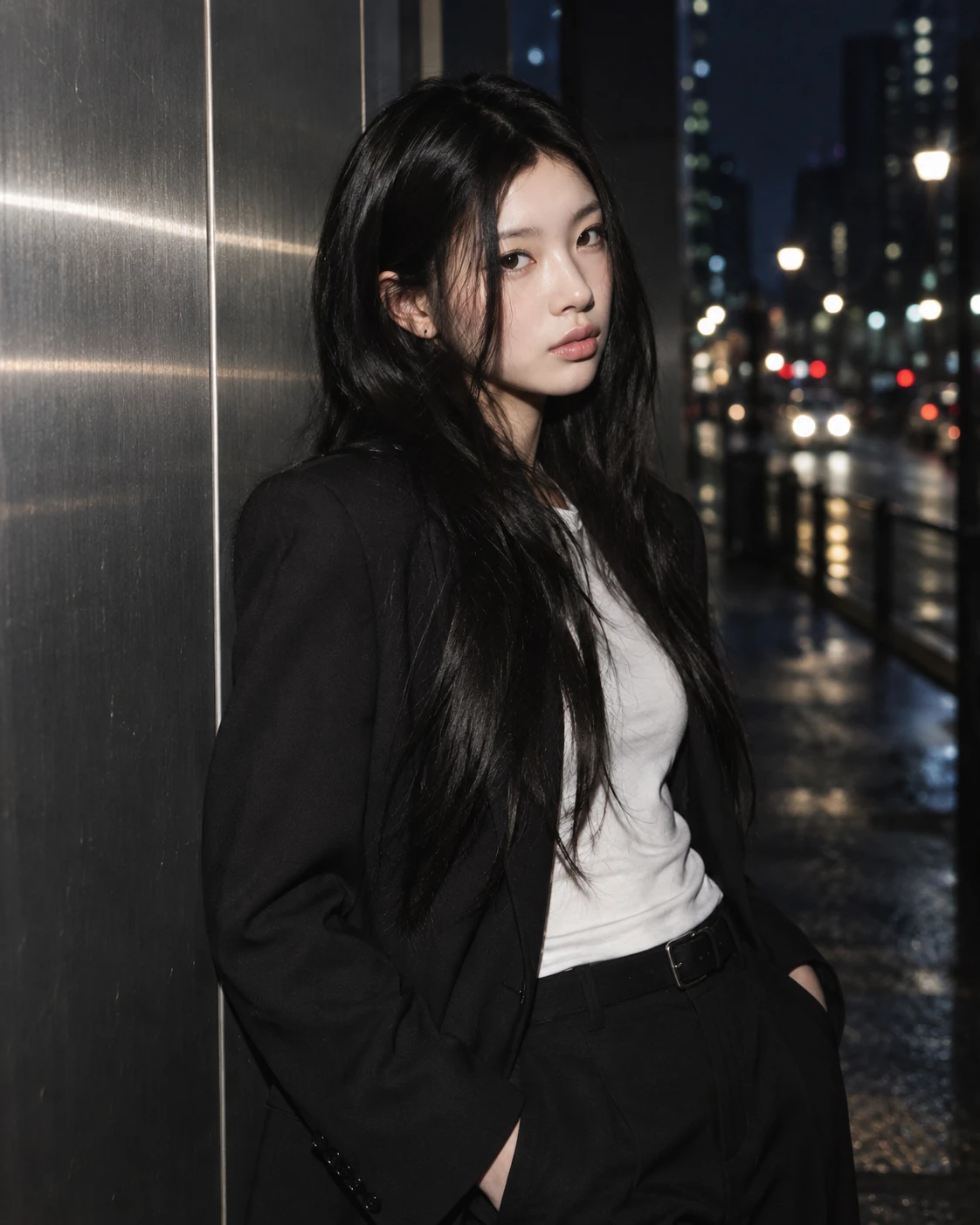
GIMP informed behavior; Photoshot supplied the code
GIMP’s Levels documentation helped distinguish input endpoints, output range, gamma and individual channels. It was a behavioral reference; the record does not establish a port of GIMP’s C implementation.
We added the calculation to adjustments.ts, handle coordinates to levels-controls.ts and histogram analysis to tone-analysis.ts. Those three Photoshot files are the GitHub trail for this entry.
Put levels into the existing LUT path
Read the expression as input normalization, inverse gamma, then output-range mapping. The loop applies the shared rgb settings and then the individual channel settings.
This calculation lives inside the existing 256-entry table builder. The new function could therefore use the adjustment layer’s established masking, opacity and persistence flow.
if (t === 'levels')
  for (const c of ['rgb', channel])
    x =
      (v[c + 'OutBlack'] +
        (v[c + 'OutWhite'] - v[c + 'OutBlack']) *
          clamp((x * 255 - v[c + 'Black']) / (v[c + 'White'] - v[c + 'Black'])) **
            (1 / v[c + 'Gamma'])) /
255;The middle handle must match the math
The middle handle cannot simply sit at the geometric center. It represents the input that becomes 50% after gamma correction. gammaPosition maps gamma to a position; gammaAtPosition uses logarithms for the inverse mapping.
Keeping the pair together allows typed values and dragged handles to describe the same adjustment. The integration required both directions, not merely a formula that changed pixels.
// The middle handle marks the input that becomes 50% after inverse gamma.
export function gammaPosition(black: number, white: number, gamma: number) {
  return black + (white - black) * Math.pow(0.5, clamp(gamma, 0.1, 10));
}
export function gammaAtPosition(black: number, white: number, position: number) {
  const t = clamp(
    (position - black) / Math.max(1, white - black),
    Math.pow(0.5, 10),
    Math.pow(0.5, 0.1),
  );
  return Math.round(clamp(Math.log(t) / Math.log(0.5), 0.1, 10) * 100) / 100;
}The histogram needs an alpha rule
A histogram is not decoration. Counting transparent pixels as black would misrepresent the image. tone-analysis.ts uses alpha as a weight, skips fully transparent pixels, and accumulates luminance and RGB distributions separately.
This analysis code was written with AI and connected to the document being adjusted. That connection turns a pixel operation into an editing tool a person can interpret.
const weight = data[i + 3] / 255;
if (!weight) continue;
bins[Math.round(0.2126 * data[i] + 0.7152 * data[i + 1] + 0.0722 * data[i + 2])] += weight;
channelBins.r[data[i]] += weight;
channelBins.g[data[i + 1]] += weight;
channelBins.b[data[i + 2]] += weight;
count += weight;The editor and comparison record
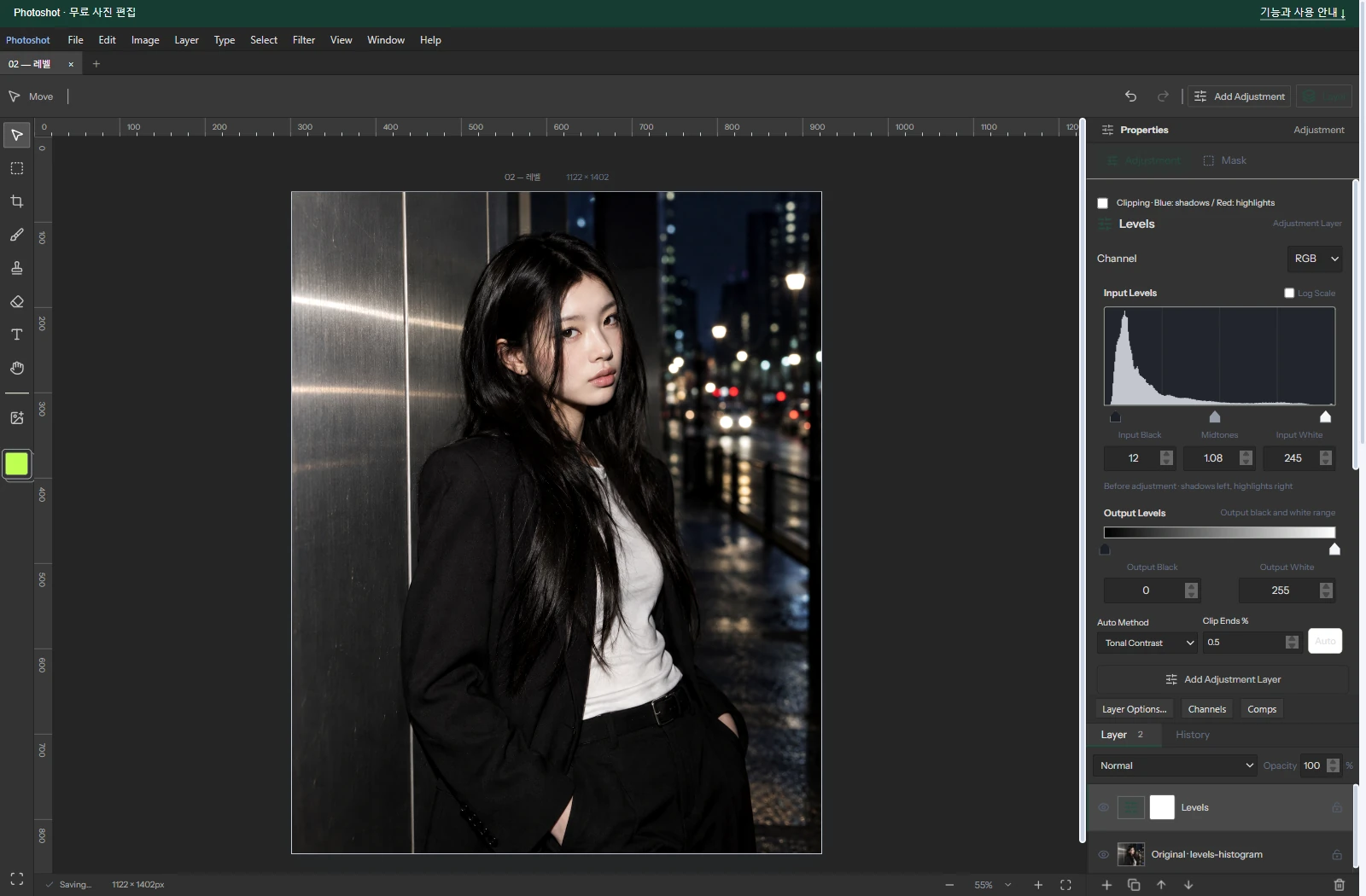
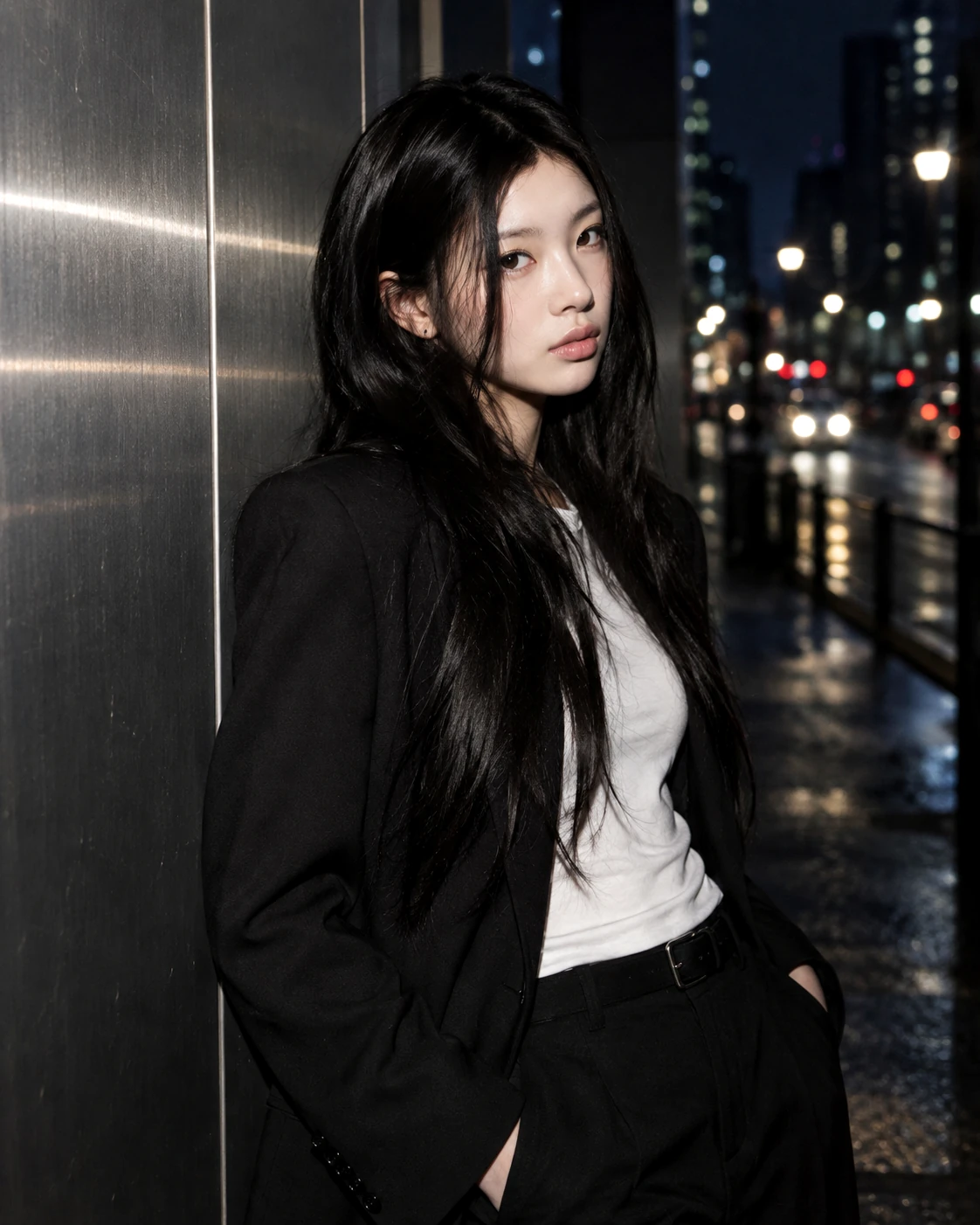
The portrait uses RGB input 12 / 1.08 / 245 and output 0 / 255. The source portrait is AI-generated; the editor view and output are real.
The historical Photoshop chart used different input settings: 18 / 1.12 / 235, with output 0 / 255. Its mean channel difference was about 0.229, maximum 1. Handle-to-value consistency was checked separately.
Three files, one coherent tool
Levels combines behavior learned from documentation with calculation, interaction and analysis code integrated into Photoshot. The public files make those responsibilities inspectable.
The value of AI-assisted code was the correctness of those connections. Part 4 follows the LUT idea examined in glfx.js and the interpolation code written separately for Photoshot.